
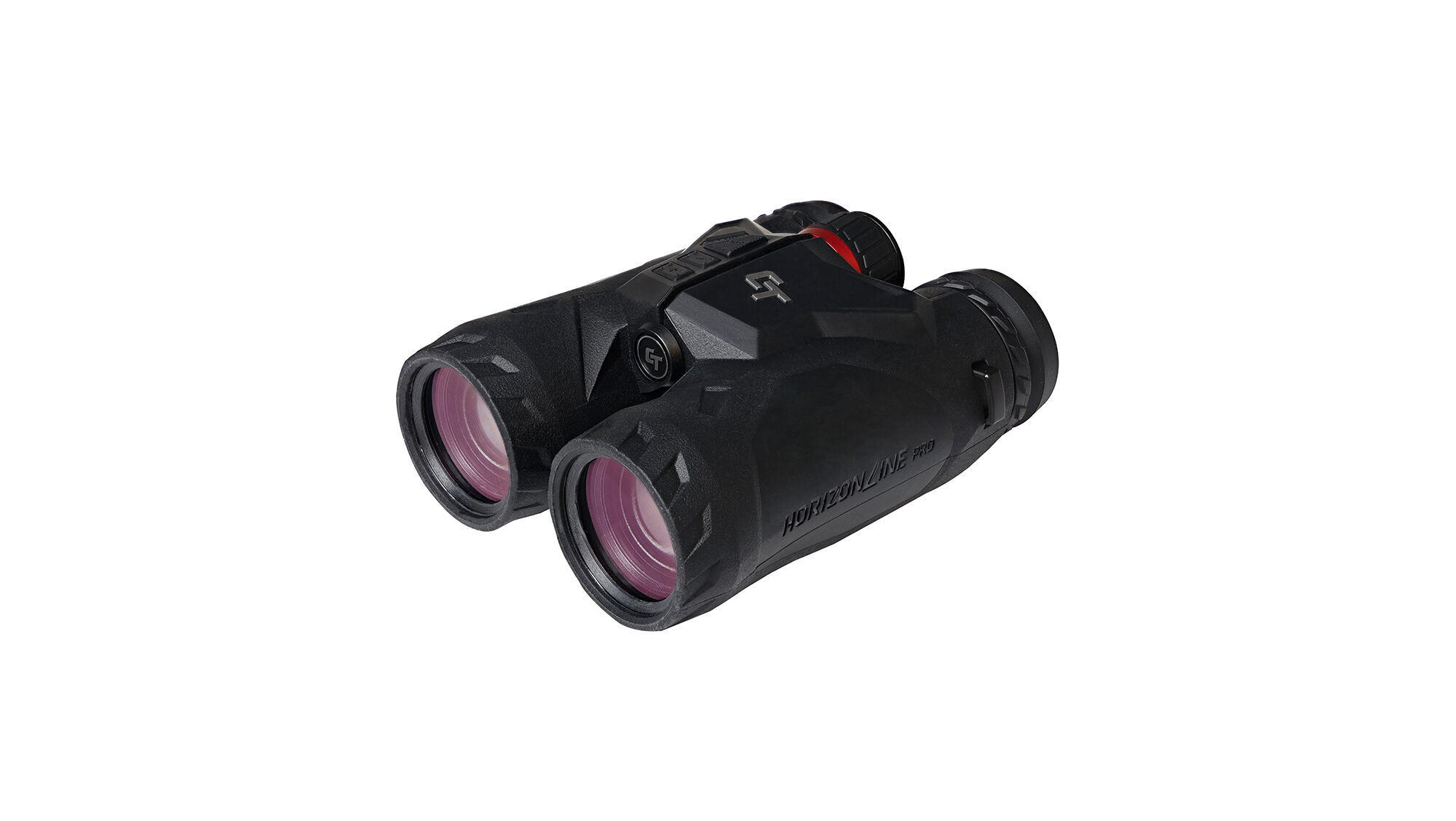
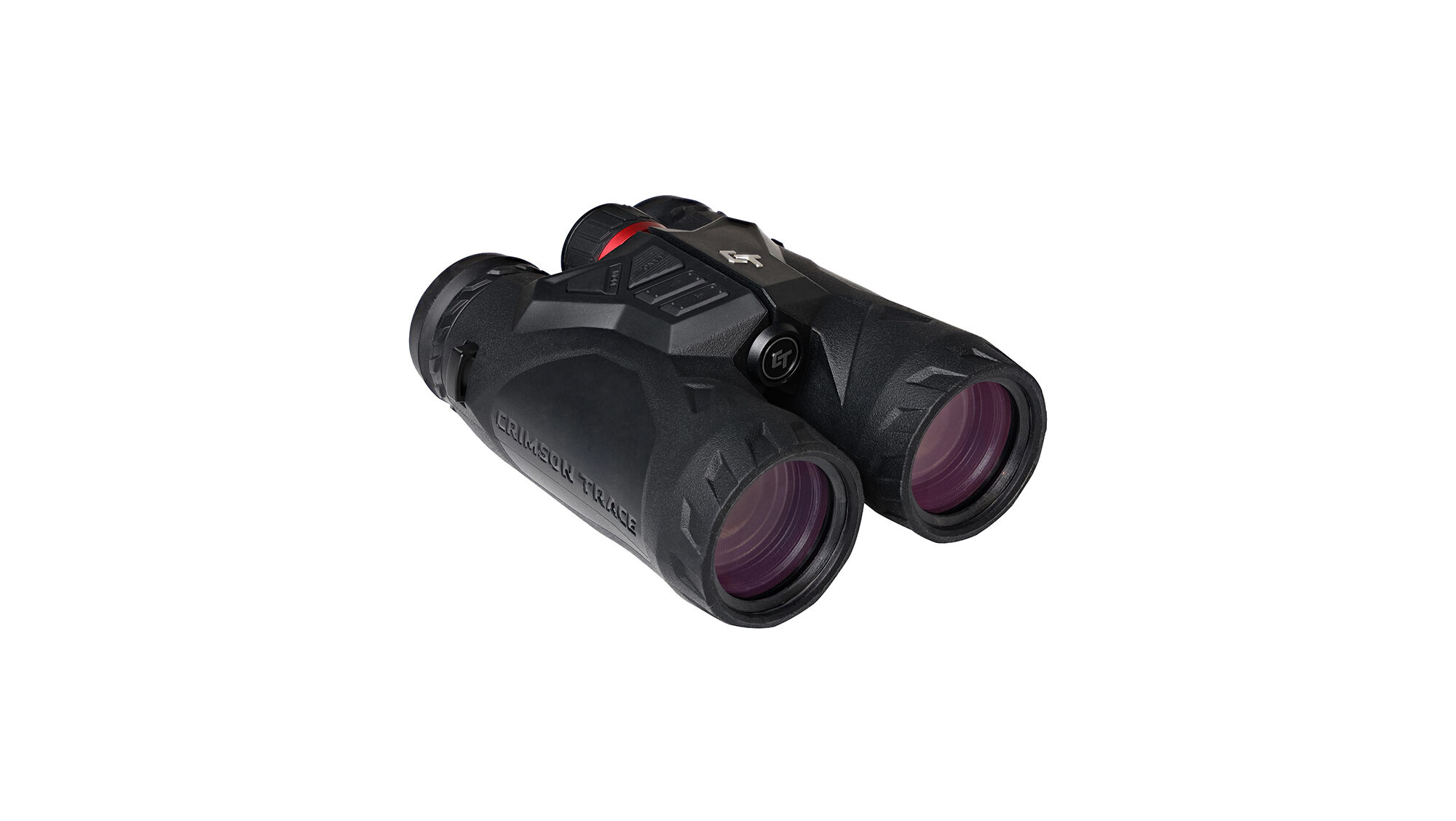
HORIZONLINE PRO LASER RANGEFINDING BINOS
$879.99
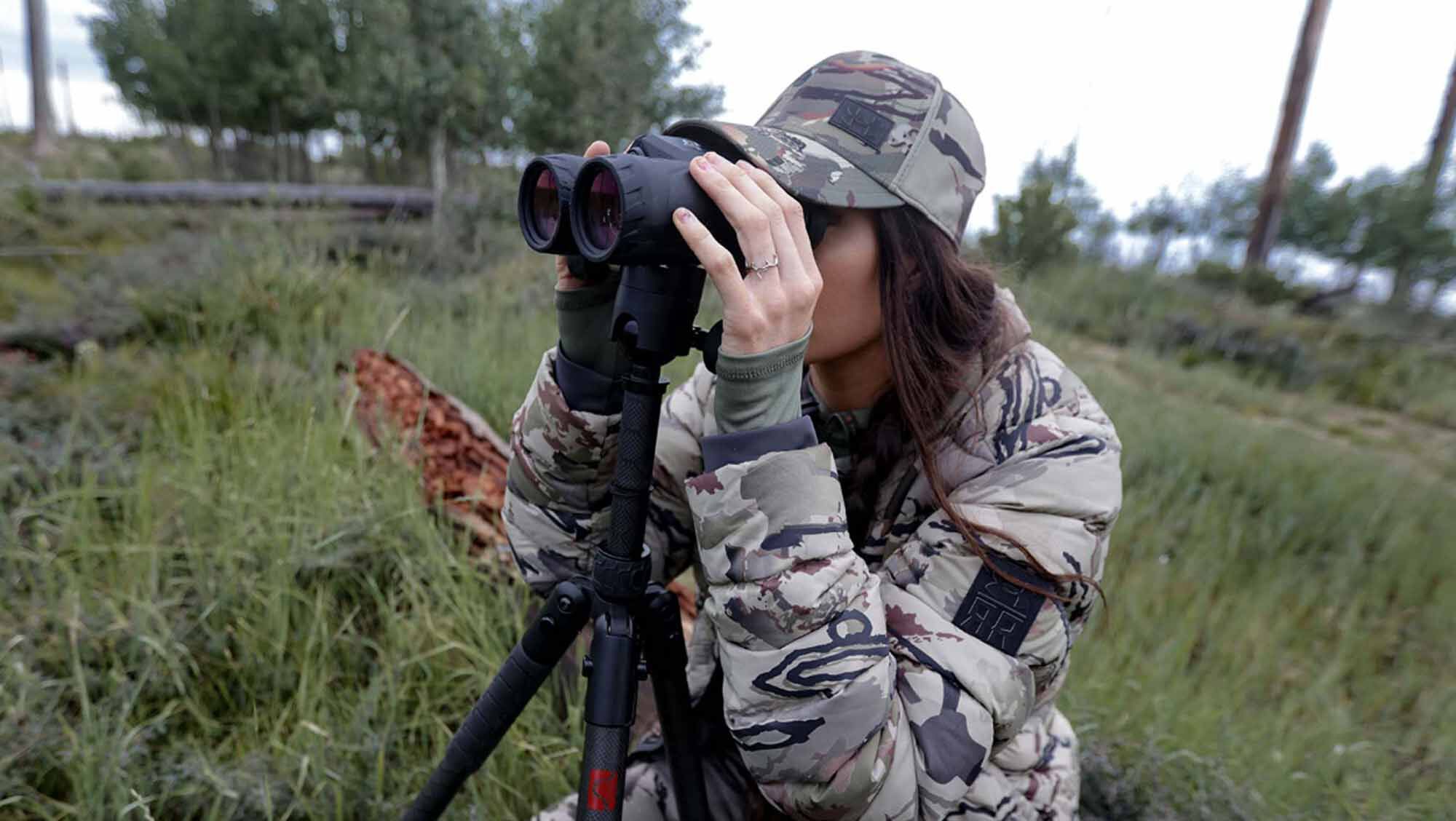
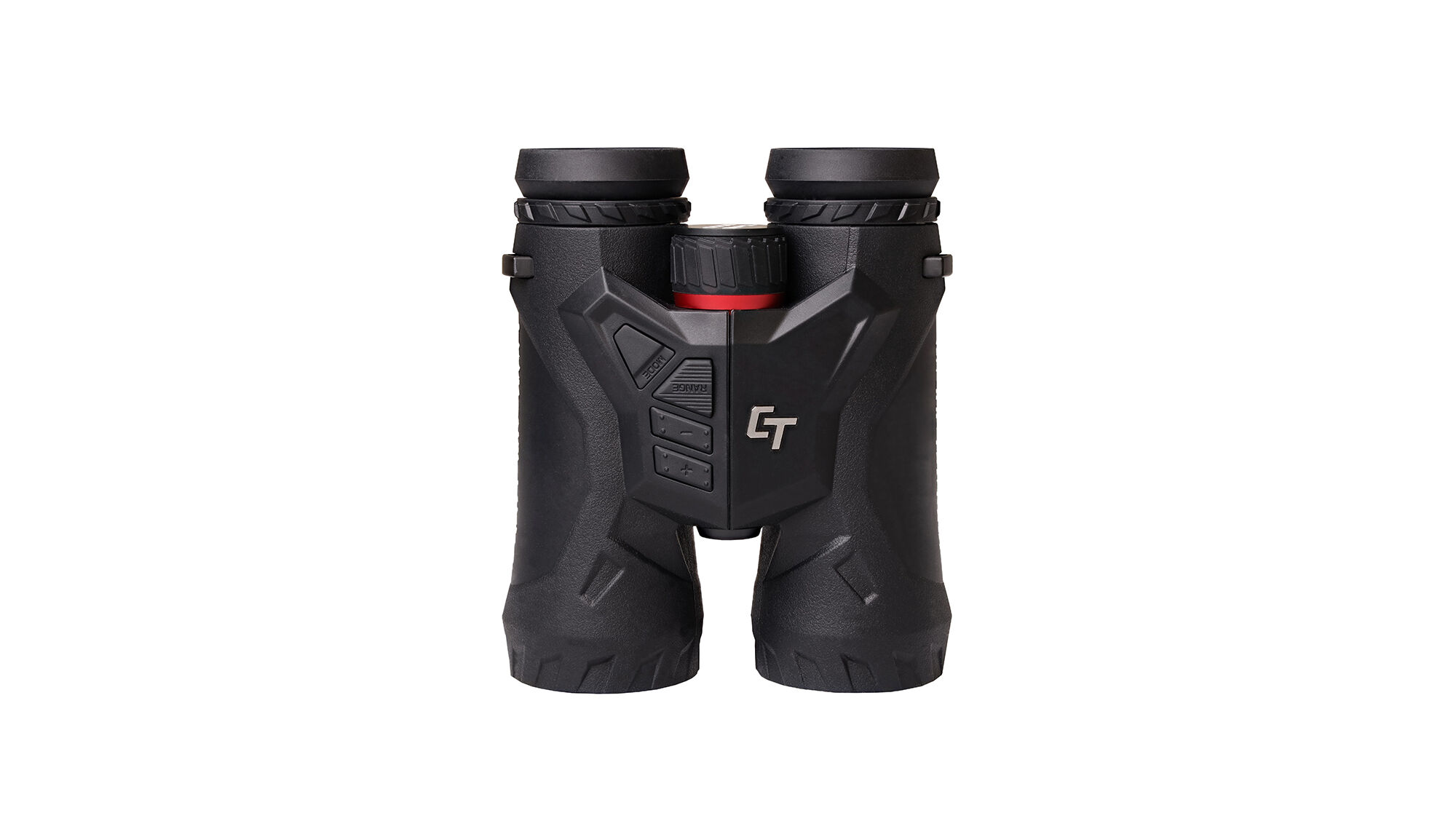
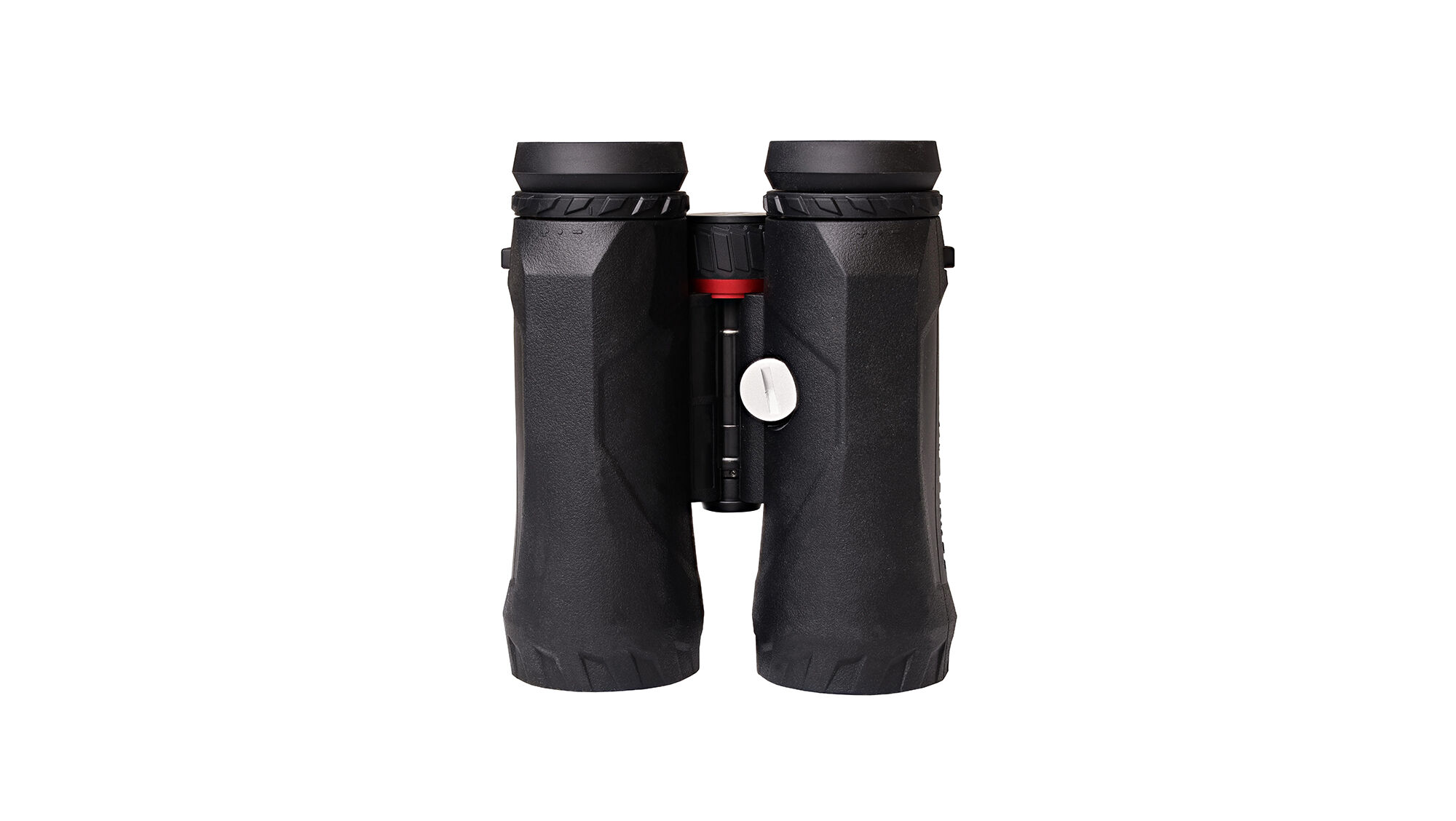
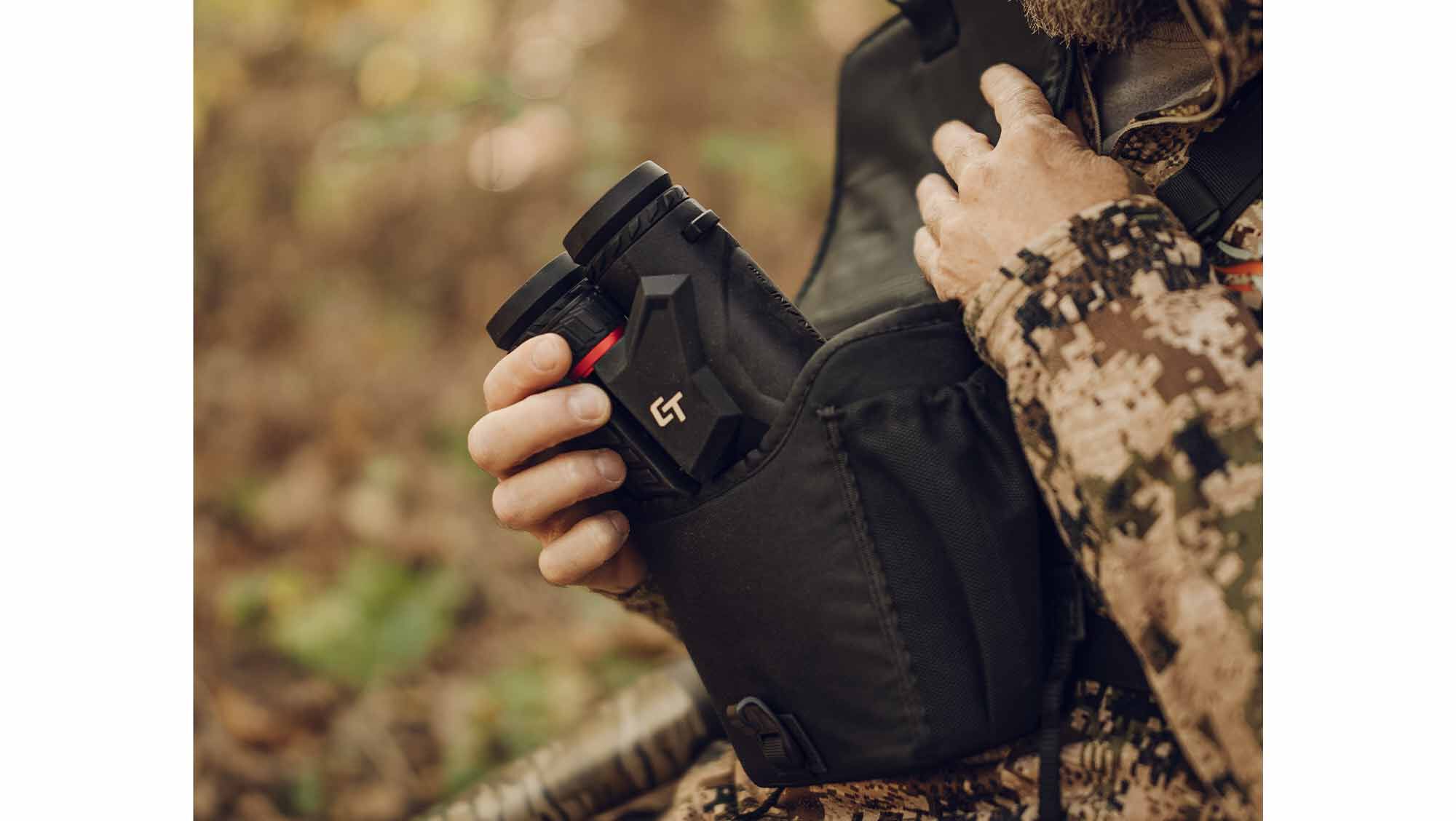
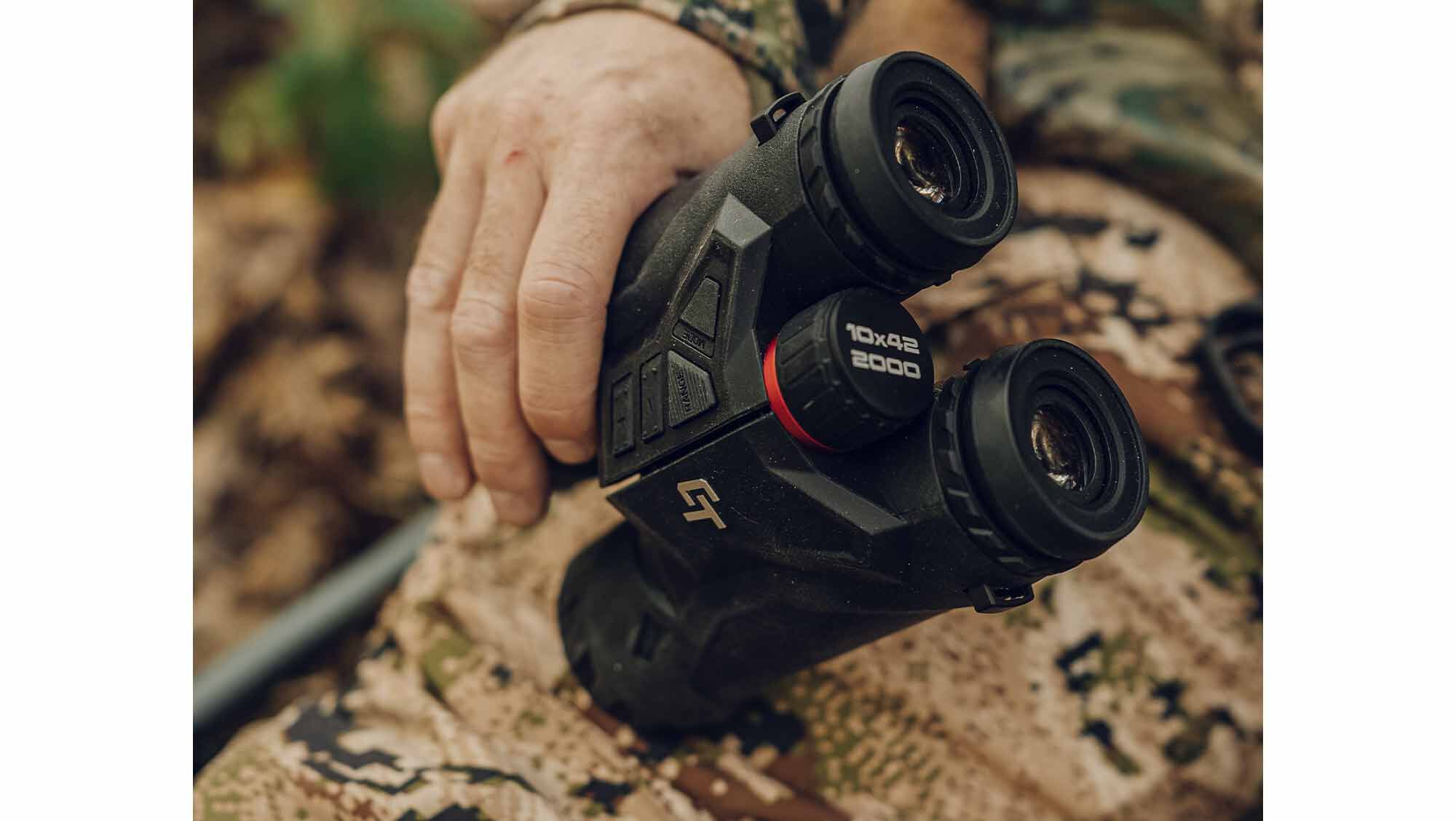
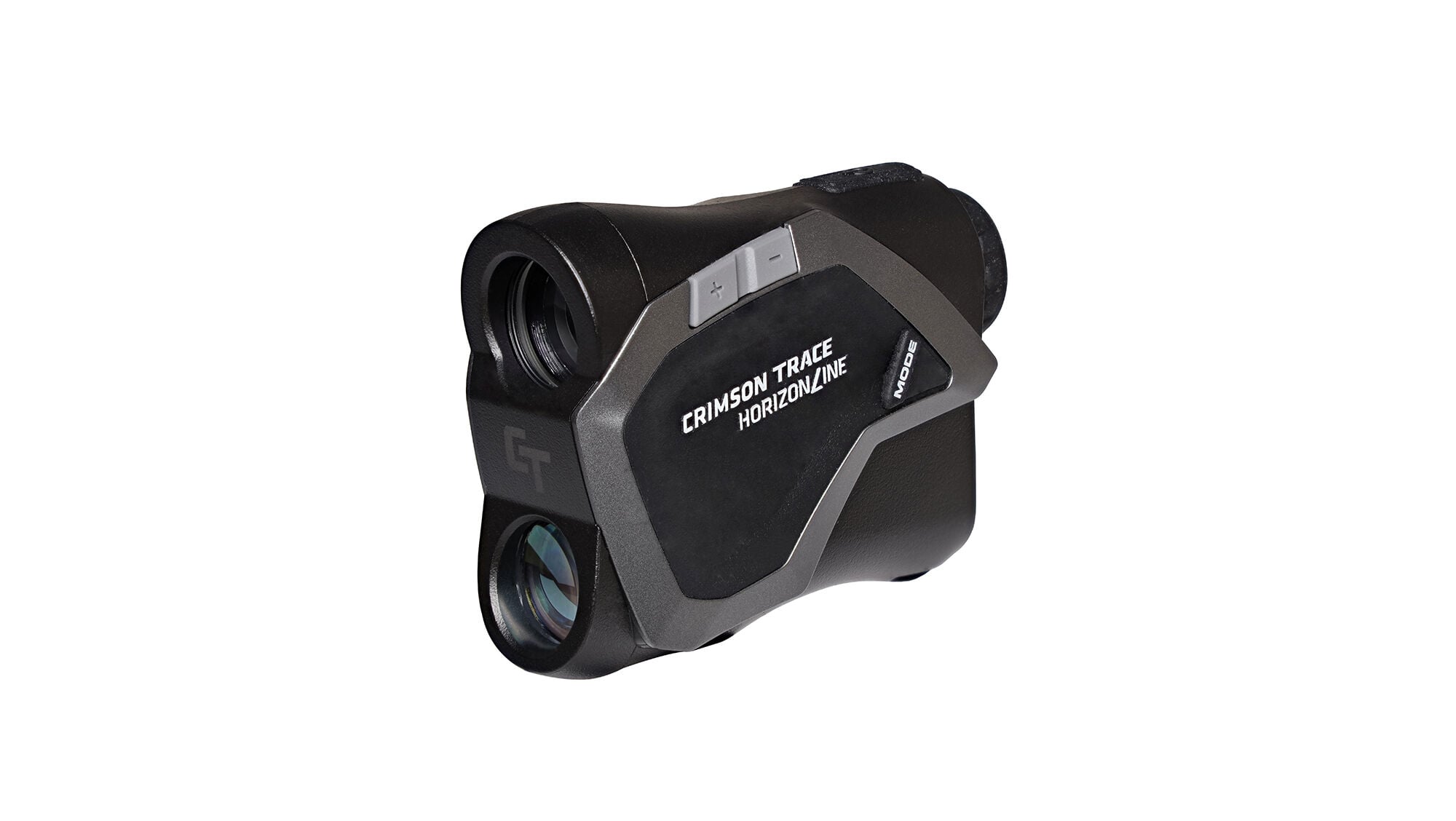
Join the next generation in magnified target ranging. The Crimson Trace® HorizonLine™ Pro Laser Rangefinding Binoculars combine Best-In-Class optical magnification with high quality laser rangefinding. No need to carry multiple units into the field. The CT T-OLED display is crisp, clear and easy to use and it is packed with the most needed features. High quality materials combined with next generation technology makes the HorizonLine™ Pro Laser Rangefinding Binos top of the field.
FEATURES:
- MAGNIFICATION – 10×42
- ILLUMINATED – YES
MAX RANGES:
- REFLECTIVE – 2,000 yards
- TREES – 1,000 yards
- DEER – 800 yards
1000 in stock
🔥 Exclusive Crypto Offer
Get an INSTANT 15% DISCOUNT when you pay with Bitcoin, Ethereum, Dogecoin, Bitcoin Cash, XRP, Solana, or USDT.
⚡ Don't have crypto? Buy it here in 5 minutes with easy guidance.
💡 Pro Tip: You can also pay with cryptocurrency using your verified Cash App or PayPal account for a fast and secure checkout!
Join the next generation in magnified target ranging. The Crimson Trace® HorizonLine™ Pro Laser Rangefinding Binoculars combine Best-In-Class optical magnification with high quality laser rangefinding. No need to carry multiple units into the field. The CT T-OLED display is crisp, clear and easy to use and it is packed with the most needed features. High quality materials combined with next generation technology makes the HorizonLine™ Pro Laser Rangefinding Binos top of the field.
FEATURES:
- MAGNIFICATION – 10×42
- ILLUMINATED – YES
MAX RANGES:
- REFLECTIVE – 2,000 yards
- TREES – 1,000 yards
- DEER – 800 yards
Specs
- Magnification 10x
- Objective Lens Diameter 42
- Exit Pupil (mm) 4.2
- Eye Relief (in) 17.2
- Angular (FOV) 6 Degrees
- FOV feet @100yd 30.4
- Range Response Time 1 sec
- Scanning YES
- Range Resolution Under 100 Yards 0.1 yrds
- Weight with Battery 28.5 oz
- Max Reflective Range 2000 yrds
- Max Deer Range 800 yrds
- Max Tree Range 1000 yrds
Features
- (1) CR2 battery included
- IPX4 water resistant
- Accuracy: +/- 3 yards @ 1,000 to 2,000 yards
- FOV at 100 yards: 31.4ft
- Objective Lens Diameter: 42mm
- Adjustable diopter
- Easy-to-Use menu
- CT RADIANT ambient light sensor- The ambient light sensor automatically adjusts reticle’s brightness to the surrounding lighting condition
- 5 manual brightness settings
- Large top-mounted function buttons
- Auto-Shutoff function
- Bino harness and bivy case included
mp;A
Module “editorial-hero-banner” i
acfLink Link for the anchor under the image acfBtnText Text on the anchor under the image acfLink2 Link for the anchor on the banner acfCssClasses Property support the following classes which will change the visual representation of a module. acfImageXLargeRetina Retina image for screens larger than 1599px (Large Desktops) acfImageXLarge Image for screens larger than 1599px (Large Desktops) acfImageLargeRetina Retina image for screens larger than 1023px (Desktops) acfImageLarge Image for screens larger than 1023px (Desktops) acfImageMediumRetina Retina image for screens larger than 767px (Tablet) acfImageMedium Image for screens larger than 767px (Tablet) acfImageSmallRetina Retina image for screens larger than 0px (Mobile) acfImageSmall Image for screens larger than 0px (Mobile) acfImage2Small Image for the bottom icon acfContentMarginTop Overrides default margin top. Value must be specified in pixels, without px word, only numbers eg. “30” acfContentMarginBottom Overrides default margin bottom. Value must be specified in pixels, without px word, only numbers eg. “30”
Module “editorial-hero-banner” i
acfLink Link for the anchor under the image acfBtnText Text on the anchor under the image acfLink2 Link for the anchor on the banner acfCssClasses Property support the following classes which will change the visual representation of a module. acfImageXLargeRetina Retina image for screens larger than 1599px (Large Desktops) acfImageXLarge Image for screens larger than 1599px (Large Desktops) acfImageLargeRetina Retina image for screens larger than 1023px (Desktops) acfImageLarge Image for screens larger than 1023px (Desktops) acfImageMediumRetina Retina image for screens larger than 767px (Tablet) acfImageMedium Image for screens larger than 767px (Tablet) acfImageSmallRetina Retina image for screens larger than 0px (Mobile) acfImageSmall Image for screens larger than 0px (Mobile) acfImage2Small Image for the bottom icon acfContentMarginTop Overrides default margin top. Value must be specified in pixels, without px word, only numbers eg. “30” acfContentMarginBottom Overrides default margin bottom. Value must be specified in pixels, without px word, only numbers eg. “30”
Reviews
- 2026-10-04T04:05+03:00
Related products
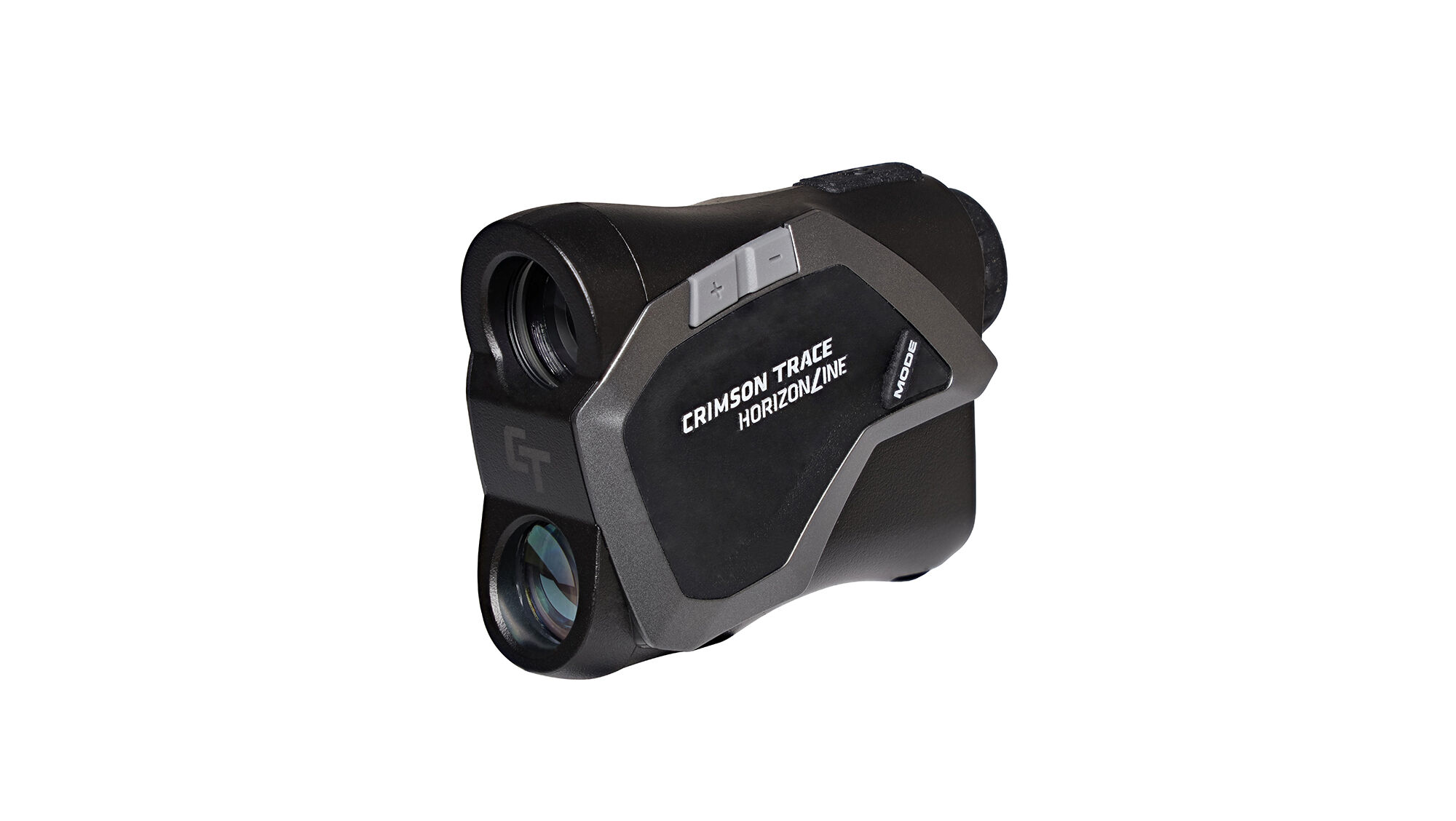
HORIZONLINE
HORIZONLINE